3.3 Run the Chromium X Series Instrument (X/iX)
 Firmware Version 2.0.0 or higher is required in the Chromium X Series instrument (X/iX) used for this protocol.
Consult the Chromium X Series (X/iX) User Guide (CG000396) for detailed instrument operation instructions and follow the instrument touchscreen prompts for execution.
-
Press the eject button on the instrument to eject the tray.
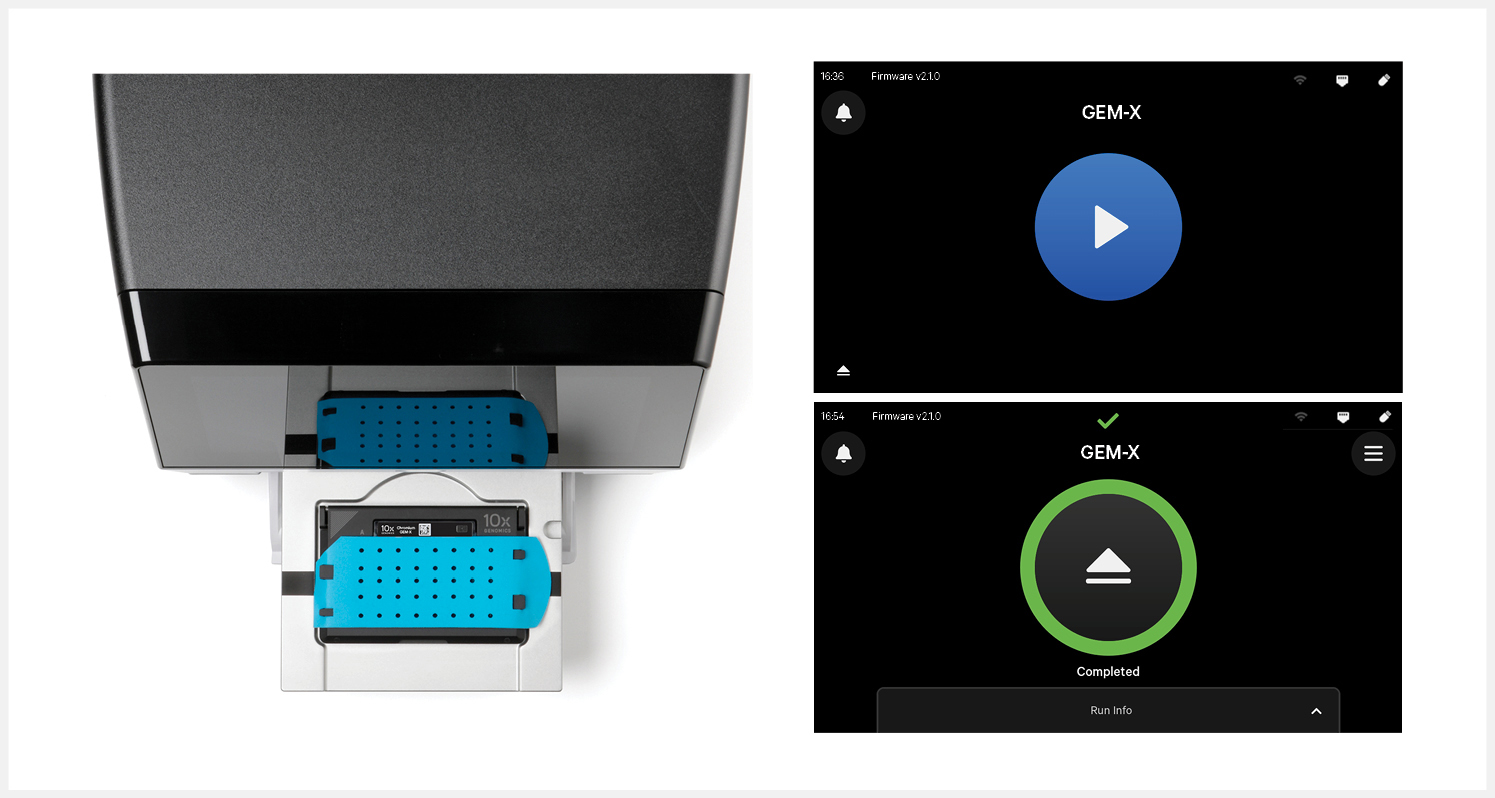
If the eject button is not touched within 1 min, tray will close automatically. System requires a few seconds before the tray can be ejected again.
-
Place the assembled chip with the gasket in the tray, ensuring that the chip stays horizontal. Press the button to retract the tray.
-
Press the play button.
-
At completion of the run (~6 min), the instrument will chime. Immediately proceed to the next step.